Sep 2, 2014

42. Controls


Spatials can be under control of different influences.


Here 3 state control classes are written. This is Control1.java with controlUpdate() rotating a spatial.
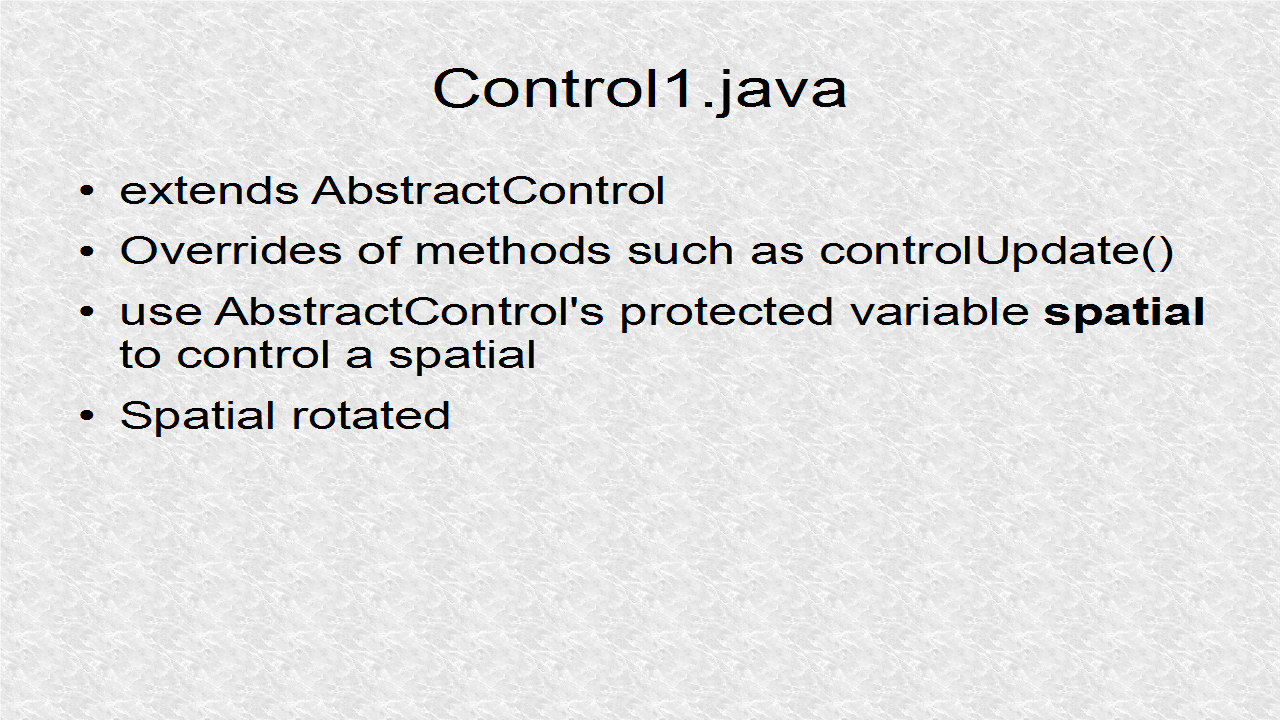

// Control1.java

package mygame;

import com.jme3.renderer.RenderManager;
import com.jme3.renderer.ViewPort;
import com.jme3.scene.control.AbstractControl;

class Control1 extends AbstractControl{
    @Override
    protected void controlUpdate(float tpf) {
        spatial.rotate(tpf,tpf,tpf);
    }
    @Override
    protected void controlRender(RenderManager rm, ViewPort vp) {
    }
}


This is Control2.java with override for contorlUpdate(). It oscillates x motion.
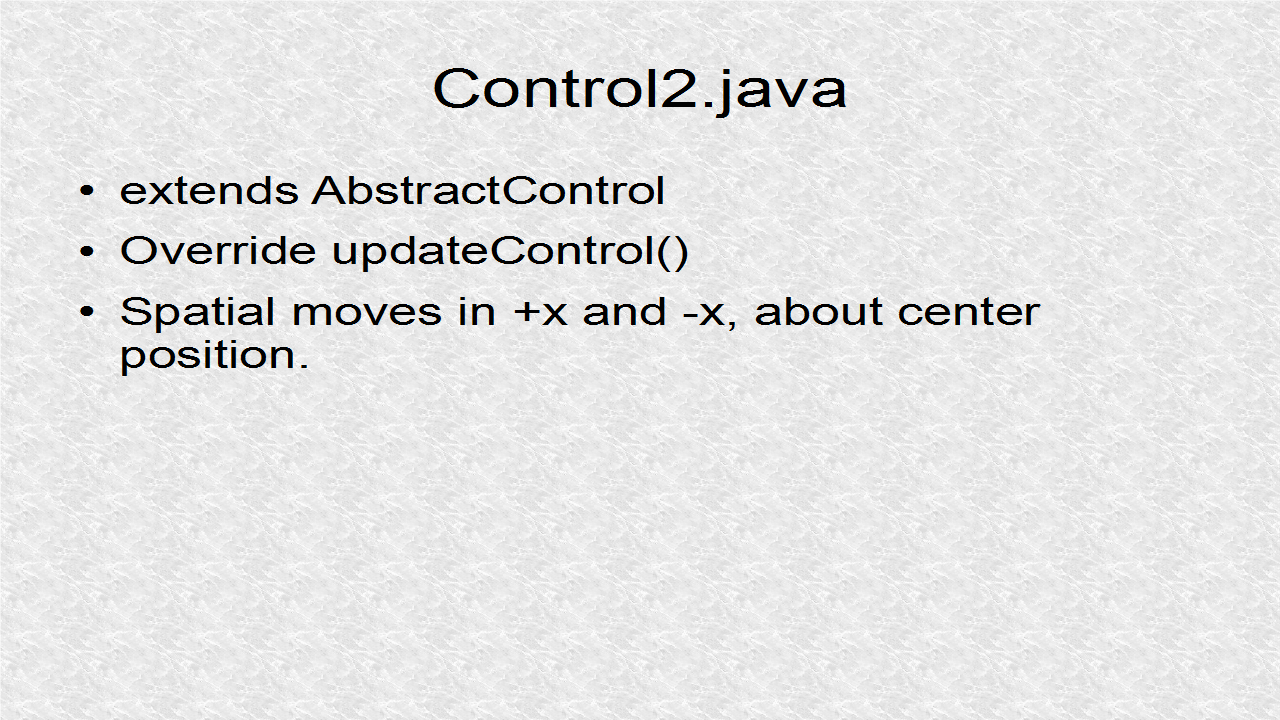

// Control2.java

package mygame;

import com.jme3.renderer.RenderManager;
import com.jme3.renderer.ViewPort;
import com.jme3.scene.control.AbstractControl;

class Control2 extends AbstractControl{

    private float current0, current;
    private int sign;
    public void Control2() {
        current0 = spatial.getLocalTranslation().x;
    }
    
    @Override
    protected void controlUpdate(float tpf) {
        current = spatial.getLocalTranslation().x;
        if ((current-current0)<-1f) {
            sign = 1;
        }
        if ((current-current0)>1f) {
            sign = -1;
        }
        spatial.move(sign*tpf,0,0);
    }
    
    @Override
    protected void controlRender(RenderManager rm, ViewPort vp) {
    }
    
}


This is Control3.java with override for controlUpdate(). It oscillates y motion.
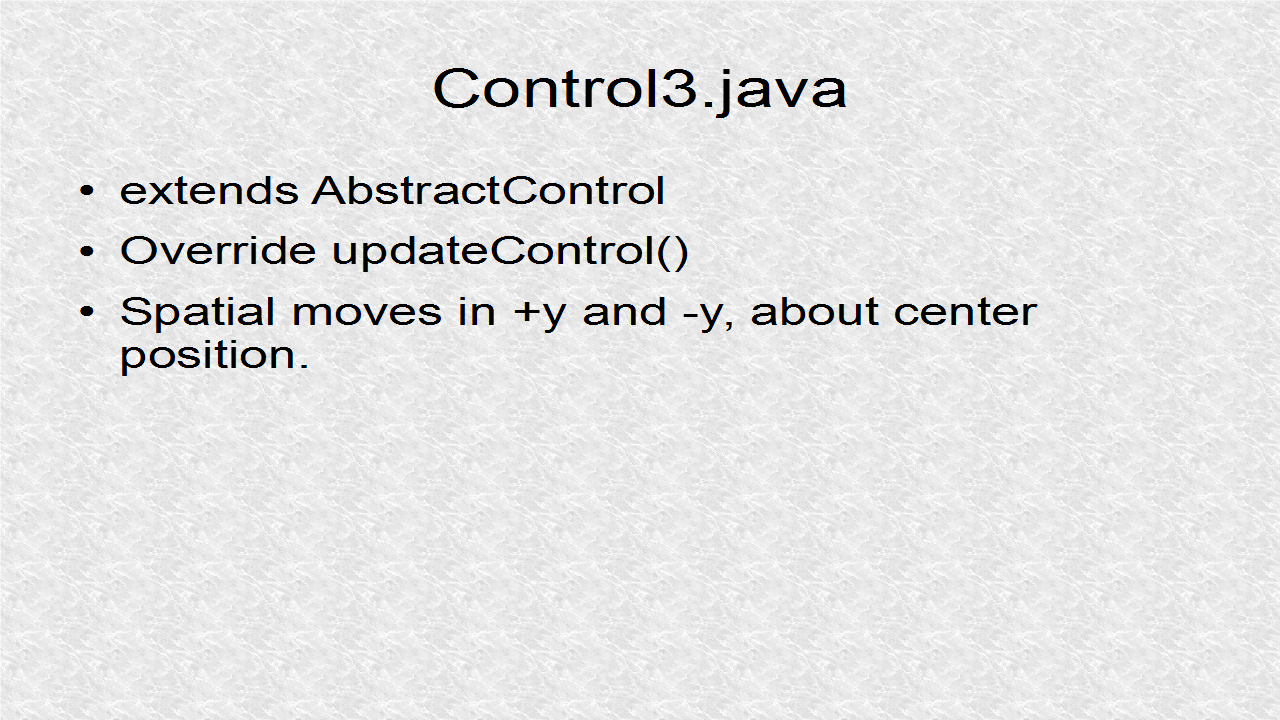

// Control3.java

package mygame;

import com.jme3.renderer.RenderManager;
import com.jme3.renderer.ViewPort;
import com.jme3.scene.control.AbstractControl;

class Control3 extends AbstractControl {
    
    private float current0, current;
    private int sign;
    public void Control3() {
        current0 = spatial.getLocalTranslation().y;
    }
    
    @Override
    protected void controlUpdate(float tpf) {
        current = spatial.getLocalTranslation().y;
        if ((current-current0)<-1f) {
            sign = 1;
        }
        if ((current-current0)>1f) {
            sign = -1;
        }
        spatial.move(0,sign*tpf,0);
    }

    @Override
    protected void controlRender(RenderManager rm, ViewPort vp) {
    }
    
}


We create spatial Geometries and then attach them to different controls.
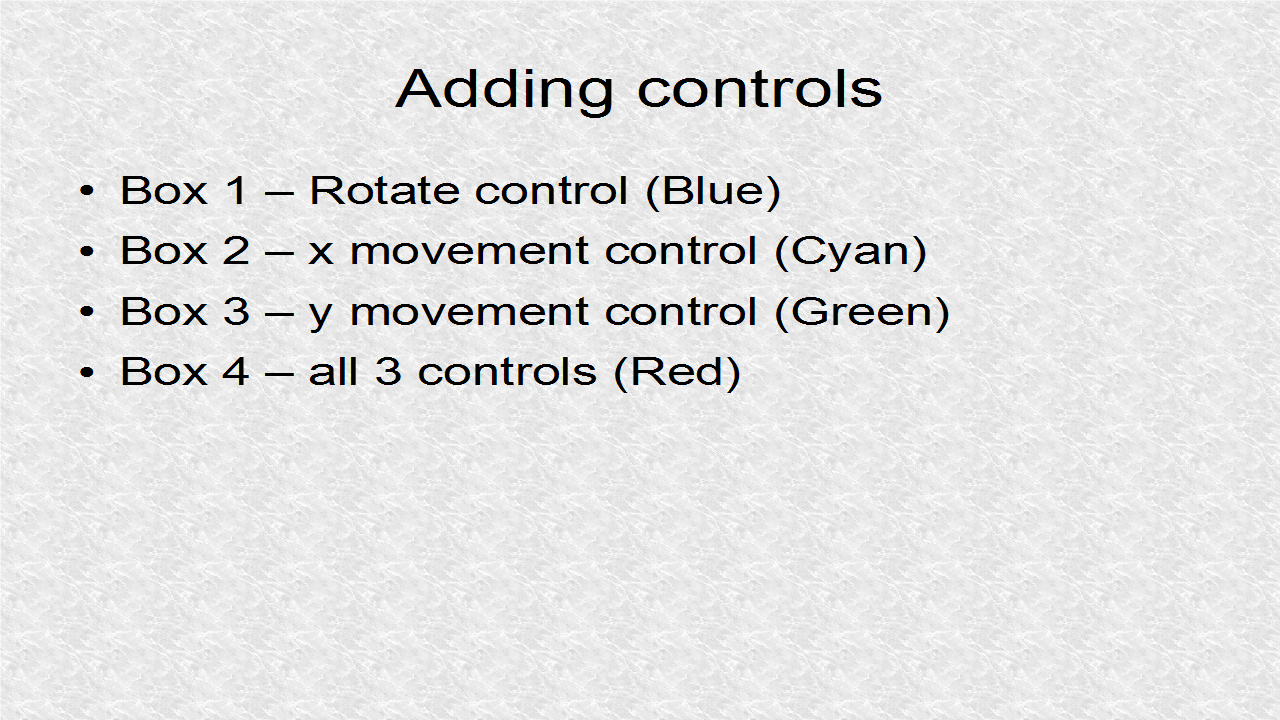

        // *** 1. Start (adding controls to boxes)
        geom1 = makeGeometry(   new Vector3f(.2f,.2f,.2f), 
                                new Vector3f(0,0,0));
        geom1.addControl(control1a); // Control1
        
        geom2 = makeGeometry(   new Vector3f(.2f,.2f,.2f),
                                new Vector3f(2.5f,2.5f,0));
        geom2.addControl(control2a); // Control2
        
        geom3 = makeGeometry(   new Vector3f(.2f,.2f,.2f),
                                new Vector3f(-2.5f,-2.5f,0));
        geom3.addControl(control3a); // Control 3
        
        geom4 = makeGeometry(   new Vector3f(.5f,.5f,.5f),
                                new Vector3f(2,-2,-1));
        geom4.addControl(control1b);
        geom4.addControl(control3b);
        geom4.addControl(control2b); // All 3 Controls
        // *** 1. End


The spatial Geometries are created by this function.
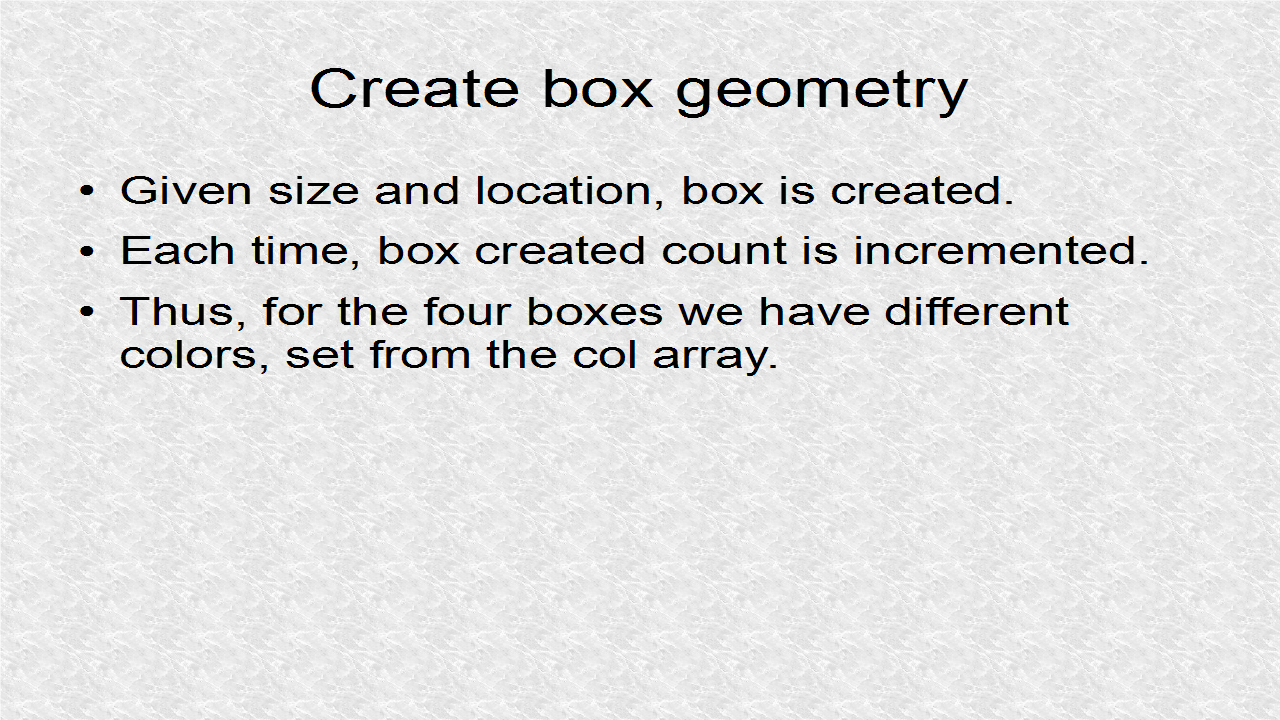

        // *** 2. Start (Create box geometry given size + location)
        Box b = new Box(size.x, size.y, size.z);
        Geometry geom = new Geometry("Box", b);
        Material mat = new Material(assetManager,
                "Common/MatDefs/Misc/Unshaded.j3md");
        mat.setColor("Color", col[count++]);
        geom.setMaterial(mat);
        geom.setLocalTranslation(loc);
        return geom;
        // *** 2. End


// JMonkey42.java

package mygame;

import com.jme3.app.SimpleApplication;
import com.jme3.material.Material;
import com.jme3.math.ColorRGBA;
import com.jme3.math.Vector3f;
import com.jme3.renderer.RenderManager;
import com.jme3.scene.Geometry;
import com.jme3.scene.shape.Box;
import com.jme3.system.AppSettings;

public class JMonkey42 extends SimpleApplication {

    public static void main(String[] args) {
        AppSettings settings = new AppSettings(true);
        settings.setFrameRate(60);
        settings.setTitle(
                "Boxes under different controls and multiple controls!");
        JMonkey42 app = new JMonkey42();
        app.setSettings(settings);
        app.start();
    }
    
    Control1 control1a, control1b;
    Control2 control2a, control2b;
    Control3 control3a, control3b;
    Geometry geom1, geom2, geom3, geom4;
    final static ColorRGBA[] col = { ColorRGBA.Blue, ColorRGBA.Cyan,
        ColorRGBA.Green,ColorRGBA.Red}; // constant
    static int count = 0; // class variable
    
    @Override
    public void simpleInitApp() {
        viewPort.setBackgroundColor(ColorRGBA.White);
        setDisplayFps(false);
        setDisplayStatView(false);
        flyCam.setEnabled(false);
        control1a = new Control1();
        control1b = new Control1();
        control2a = new Control2();
        control2b = new Control2();
        control3a = new Control3();
        control3b = new Control3();
        
        // *** 1. Start (adding controls to boxes)
        geom1 = makeGeometry(   new Vector3f(.2f,.2f,.2f), 
                                new Vector3f(0,0,0));
        geom1.addControl(control1a); // Control1
        
        geom2 = makeGeometry(   new Vector3f(.2f,.2f,.2f),
                                new Vector3f(2.5f,2.5f,0));
        geom2.addControl(control2a); // Control2
        
        geom3 = makeGeometry(   new Vector3f(.2f,.2f,.2f),
                                new Vector3f(-2.5f,-2.5f,0));
        geom3.addControl(control3a); // Control 3
        
        geom4 = makeGeometry(   new Vector3f(.5f,.5f,.5f),
                                new Vector3f(2,-2,-1));
        geom4.addControl(control1b);
        geom4.addControl(control3b);
        geom4.addControl(control2b); // All 3 Controls
        // *** 1. End
        
        rootNode.attachChild(geom1);
        rootNode.attachChild(geom2);
        rootNode.attachChild(geom3);
        rootNode.attachChild(geom4);
    }
    
    private Geometry makeGeometry(Vector3f size, Vector3f loc) {
        // *** 2. Start (Create box geometry given size + location)
        Box b = new Box(size.x, size.y, size.z);
        Geometry geom = new Geometry("Box", b);
        Material mat = new Material(assetManager,
                "Common/MatDefs/Misc/Unshaded.j3md");
        mat.setColor("Color", col[count++]);
        geom.setMaterial(mat);
        geom.setLocalTranslation(loc);
        return geom;
        // *** 2. End
    } 

    @Override
    public void simpleUpdate(float tpf) {
    }

    @Override
    public void simpleRender(RenderManager rm) {
    }
}


Output:


41. AppStates

AppStates can be used to keep code manageable by keeping code separate in different state classes, such as game and GUI elements.


Here 3 state classes are written. This is State1.java with some overrides.


// State1.java

package mygame;

import com.jme3.app.Application;
import com.jme3.app.state.AbstractAppState;
import com.jme3.app.state.AppStateManager;

class State1 extends AbstractAppState{
    
    @Override
    public void initialize(AppStateManager stateManager, Application app) {
        super.initialize(stateManager, app);
        System.out.println("Initialized - 1");
    }
    
    @Override
    public void stateAttached(AppStateManager stateManager) {
        super.stateAttached(stateManager);
        System.out.println("Attached - 1");
    }
 
    @Override
    public void update(float tpf) {
        super.update(tpf);
        System.out.println("update - 1");
    }

    @Override
    public void stateDetached(AppStateManager stateManager) {
        super.stateDetached(stateManager);
        System.out.println("Detached - 1");
    }
 
    @Override
    public void cleanup() {
        super.cleanup();
        System.out.println("Cleanup - 1"); 
    }
    
}


This is State2.java with some overrides. There are more overrides available.


// State2.java

package mygame;

import com.jme3.app.Application;
import com.jme3.app.state.AbstractAppState;
import com.jme3.app.state.AppStateManager;

class State2 extends AbstractAppState{
    
    @Override
    public void initialize(AppStateManager stateManager, Application app) {
        super.initialize(stateManager, app);
        System.out.println("Initialized - 2");
    }
    
    @Override
    public void stateAttached(AppStateManager stateManager) {
        super.stateAttached(stateManager);
        System.out.println("Attached - 2");
    }
 
    @Override
    public void update(float tpf) {
        super.update(tpf);
        System.out.println("update - 2");
    }

    @Override
    public void stateDetached(AppStateManager stateManager) {
        super.stateDetached(stateManager);
        System.out.println("Detached - 2");
    }
 
    @Override
    public void cleanup() {
        super.cleanup();
        System.out.println("Cleanup - 2"); 
    }
}


This is State3.java with some overrides. These are just skeletons and they might be used in 2D GUI or parts of 3D scene graph.


// State3.java

package mygame;

import com.jme3.app.Application;
import com.jme3.app.state.AbstractAppState;
import com.jme3.app.state.AppStateManager;

class State3 extends AbstractAppState{
    
    @Override
    public void initialize(AppStateManager stateManager, Application app) {
        super.initialize(stateManager, app);
        System.out.println("Initialized - 3");
    }
    
    @Override
    public void stateAttached(AppStateManager stateManager) {
        super.stateAttached(stateManager);
        System.out.println("Attached - 3");
    }
 
    @Override
    public void update(float tpf) {
        super.update(tpf);
        System.out.println("update - 3");
    }

    @Override
    public void stateDetached(AppStateManager stateManager) {
        super.stateDetached(stateManager);
        System.out.println("Detached - 3");
    }
 
    @Override
    public void cleanup() {
        super.cleanup();
        System.out.println("Cleanup - 3"); 
    }
}


We can start states, by attaching them to the stateManager.


        // *** 1. Start (creating states and starting State1,State2)
        state1 = new State1();
        state2 = new State2();
        state3 = new State3();
        System.out.println("Attaching state1 and state3.");
        stateManager.attach(state1);
        stateManager.attach(state3);
        // *** 1. End


For this simple example, different states are started and stopped according to this table.


        // *** 2. Start (Starting and ending states)
        State1 active1 = stateManager.getState(State1.class);
        State2 active2 = stateManager.getState(State2.class);
        State3 active3 = stateManager.getState(State3.class);
        if (active1!=null) { System.out.println("state1 active"); }
        if (active2!=null) { System.out.println("state2 active"); }
        if (active3!=null) { System.out.println("state3 active"); }
        counter++;
        if (counter<60) {
            System.out.print("counter: " + counter);
            System.out.println("\tin SimpleUpdate()");
        }
        if (counter==10) {
            System.out.println("Detaching state3."); 
            stateManager.detach(stateManager.getState(State3.class));
        } else if (counter==20) {
            System.out.println("Detaching state1."); 
            stateManager.detach(stateManager.getState(State1.class));
            System.out.println("Attaching state2.");
            stateManager.attach(state2);
        } else if (counter==30) {
            System.out.println("Attaching state3.");
            stateManager.attach(state3);
        } else if (counter==40) {
            System.out.println("Detaching state2.");
            stateManager.detach(stateManager.getState(State2.class));
        } else if (counter==50) {
            System.out.println("Detaching state3.");
            stateManager.detach(stateManager.getState(State3.class));
        }
        // *** 2. End


// JMonkey41.java

package mygame;

import com.jme3.app.SimpleApplication;

public class JMonkey41 extends SimpleApplication {
    
    private int counter = 0;
    private State1 state1;
    private State2 state2;
    private State3 state3;

    public static void main(String[] args) {
        JMonkey41 app = new JMonkey41();
        app.start();
    }

    @Override
    public void simpleInitApp() {
        // *** 1. Start (creating states and starting State1,State2)
        state1 = new State1();
        state2 = new State2();
        state3 = new State3();
        System.out.println("Attaching state1 and state3.");
        stateManager.attach(state1);
        stateManager.attach(state3);
        // *** 1. End
    }

    @Override
    public void simpleUpdate(float tpf) {
        // *** 2. Start (Starting and ending states)
        State1 active1 = stateManager.getState(State1.class);
        State2 active2 = stateManager.getState(State2.class);
        State3 active3 = stateManager.getState(State3.class);
        if (active1!=null) { System.out.println("state1 active"); }
        if (active2!=null) { System.out.println("state2 active"); }
        if (active3!=null) { System.out.println("state3 active"); }
        counter++;
        if (counter<60) {
            System.out.print("counter: " + counter);
            System.out.println("\tin SimpleUpdate()");
        }
        if (counter==10) {
            System.out.println("Detaching state3."); 
            stateManager.detach(stateManager.getState(State3.class));
        } else if (counter==20) {
            System.out.println("Detaching state1."); 
            stateManager.detach(stateManager.getState(State1.class));
            System.out.println("Attaching state2.");
            stateManager.attach(state2);
        } else if (counter==30) {
            System.out.println("Attaching state3.");
            stateManager.attach(state3);
        } else if (counter==40) {
            System.out.println("Detaching state2.");
            stateManager.detach(stateManager.getState(State2.class));
        } else if (counter==50) {
            System.out.println("Detaching state3.");
            stateManager.detach(stateManager.getState(State3.class));
        }
        // *** 2. End
    }
}